Summarize this page via
How to rewrite a paragraph using AI?
 May 8, 2025
 4 minutes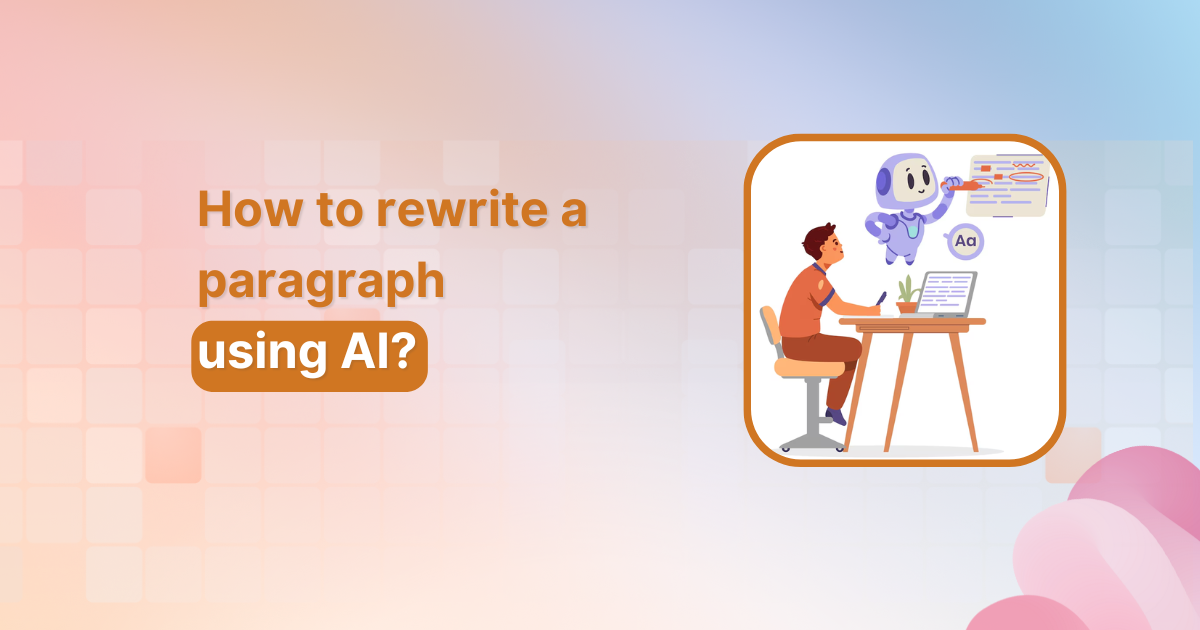
Rewriting content is a super important part of the writing process, it helps you fine-tune your tone, make things easier to understand, and keep your readers hooked.
But doing it manually can be time-consuming and often overwhelming, especially when you’re short on time or creativity. That’s where AI tools come in handy.
AI-powered writing assistants help you rewrite paragraphs quickly while maintaining the original meaning.
One such easy-to-use tool is Contentpen,
| An ultimate AI blog generator that combines deep research with your brand’s voice to craft high-impact, SEO-optimized articles that outperform your competition. |
Let’s walk through how you can use Contentpen to rewrite a paragraph in just a few clicks.

Step 01: Access your dashboard
- Go to your Contentpen dashboard and click on “Create Article”
- Choose the “Start blank” option to begin a new article from scratch.

Step 02: Add your content
- You’ll be redirected to the editor window, where you can paste or write your content.

Step 03: Select the paragraph
- Highlight the paragraph you want to rewrite. Once selected, a small “Ask AI to edit or rephrase” bar will appear above it.

Step 04: Choose the rephrase option
- Click on the bar and select “Rephrase text” from the available options, such as “Improve writing,” “Make longer,” “Simplify,” or “Change tone.”

- Press Enter, and the AI will rewrite the selected paragraph.

Step 05: Apply the new version
You can click “Replace section” to update the original or choose to add it below the existing paragraph, whichever suits your workflow.

Also read: How to write an article using Contentpen?
Conclusion
Rewriting pragraphs doesn’t have to be time-consuming. With Contentpen’s AI-powered editor, you can enhance your writing instantly. Whether you’re editing for clarity, tone, or variety, the rephrase tool helps you polish your content with just a few clicks.
Frequently asked questions
Yes, Contentpen can help you rewrite entire articles or specific paragraphs, highlight the text you want to improve, and let the AI handle the rest.
No, the tool is designed to maintain the original intent while improving wording, tone, and clarity.
Absolutely! Alongside the rephrase option, you can select different tones like formal, casual, or persuasive to match your content’s purpose.
Yes, the interface is intuitive and easy to use, even if you’ve never worked with AI writing tools before.
Subscribe to our newsletter

Join our subscriber list to get the latest blogs, product updates, and industry news!
By subscribing you agree to our terms of service and privacy policy.
You might be interested in...
Perplexity vs Gemini: An honest comparison for content writers
Looking for the best AI assistant for blog writing? Struggling to simplify your workflow and meet publishing deadlines? Worry not, we’ve got you covered with the solution! With so many options promising to transform your content workflow, two tools always stand out: Perplexity AI and Google’s Gemini. These platforms have varying working processes for using […]
Jan 23, 2026
Copilot vs Gemini for content creators: The ultimate 2026 showdown
The AI assistant marketplace is becoming competitive, with Microsoft Copilot and Google Gemini emerging as two prominent contenders for content creators. Both platforms promise to help you use AI to write blog posts efficiently, enhance productivity, and deliver quality content, but they take different approaches to achieve these goals. If you’re a blogger, content marketer, […]
Jan 16, 2026

Claude vs Gemini: The ultimate showdown for content creators in 2026
If you’re a content creator, blogger, or digital marketer trying to decide between Claude and Gemini, you’re not alone. Both AI assistants have carved out impressive niches in the content creation space, but which one actually delivers better results? In this comprehensive comparison, we’ll put Claude and Gemini head-to-head across multiple aspects that matter most […]
Jan 14, 2026